Transform Your Text: A Designer's Guide to PSD Style Effects
You've spent hours perfecting the layout, choosing the perfect color palette, and sourcing the ideal imagery for your project. Yet, the final text element feels flat, uninspired, and disconnected from the vibrant visual story you're trying to tell. This common frustration is precisely why dynamic text effects have become an indispensable tool in a modern designer's toolkit. They offer a bridge between standard typography and captivating visual artistry, allowing words to not only be read but truly felt.
Understanding the Power of a PSD Text Style
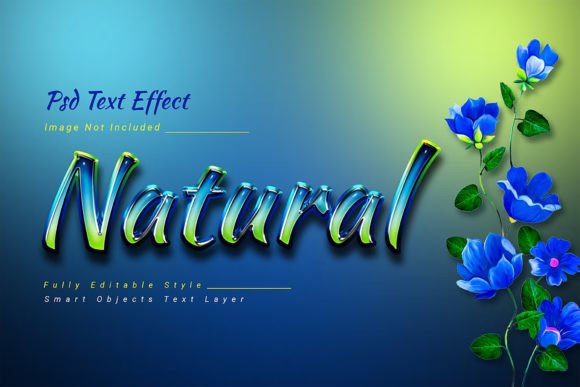
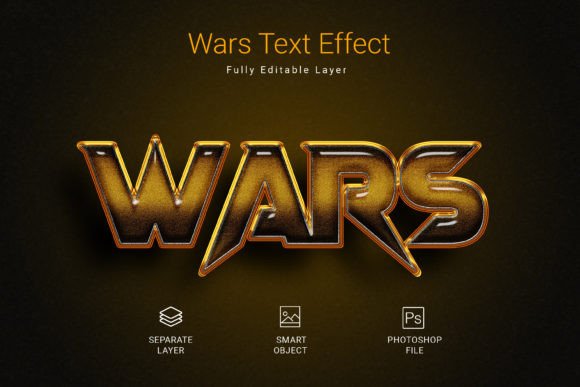
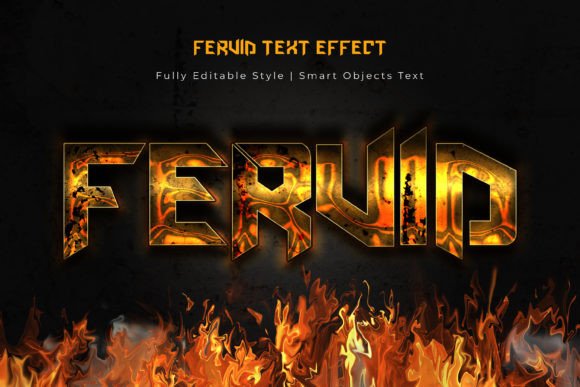
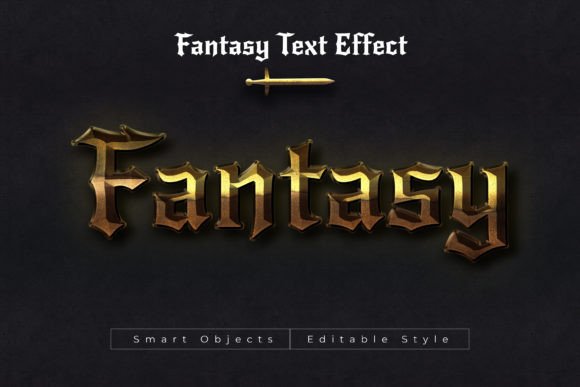
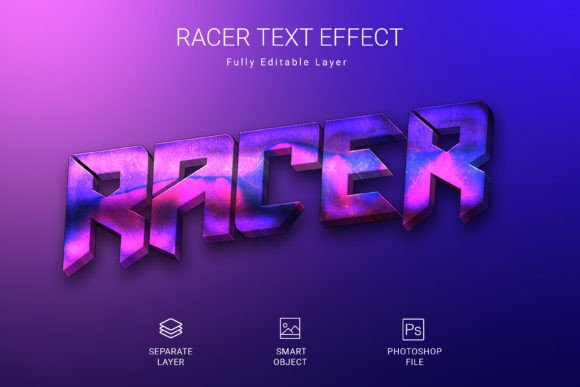
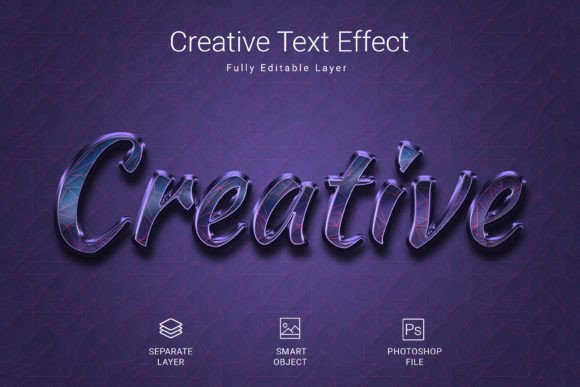
A Creative Psd Text Style Effect Mockup is far more than a simple filter or preset. It's a comprehensive, layered Adobe Photoshop document meticulously crafted to apply intricate, high-quality visual treatments to any text, shape, or vector logo with astonishing speed and consistency. Imagine needing to create a metallic sheen for a luxury brand, a gritty concrete texture for a streetwear label, or a glossy gel effect for a children's product. Manually building these effects from scratch requires advanced knowledge of layer styles, blending modes, and texture overlays—a time-consuming process even for seasoned professionals.
This is where a premium text effect mockup shines. It packages all that complexity into a user-friendly template. The workflow is beautifully simple: you locate the designated smart object layer, double-click to open it, replace the placeholder text with your own, save, and watch as the entire effect dynamically updates across your design. This process ensures visual consistency across all your materials, from a primary logo to subheadings on a website, reinforcing brand recognition with every touchpoint.
From Concept to Concrete Application: Where Style Meets Strategy
The true value of a versatile text effect lies in its wide-ranging applications. For a small business owner crafting their brand identity, applying a consistent text effect to the company name across a business card, letterhead, and social media banner instantly creates a professional and polished presentation. It signals attention to detail and quality before a client even reads a word.
Consider the world of packaging design. On a crowded shelf, a product's name rendered with an eye-catching 3D, chrome, or watercolor effect can be the decisive factor that draws a customer's hand. Similarly, in editorial design for magazines or blogs, a stylized drop cap or pull quote using a unique text treatment can dramatically improve visual hierarchy and reader engagement, guiding the eye through the page.
The digital realm offers even more opportunities. Social media graphics are fleeting, and standing out in a rapid scroll is paramount. A bold, stylized title created with a text effect mockup can stop the scroll, increasing engagement and click-through rates. For digital product creators, such as those selling online courses or e-books, applying these effects to cover art and promotional materials elevates the perceived value of the product, justifying a premium price point. Even for personal projects like wedding invitations or event posters, the right text effect adds a layer of custom artistry that feels special and bespoke.
Choosing Your Effect: A Practical Framework
Not all text effects are created equal, and choosing the right one is crucial for project success. Start by analyzing the core personality of your project. Is it sleek, modern, and corporate? Look for effects like subtle gradients, clean embossing, or minimalist line art. Is it playful, organic, or handcrafted? Effects mimicking watercolor, chalk, or embroidery might be the perfect fit. The goal is alignment between the effect's visual language and your project's emotional tone.
Always prioritize readability. An incredibly complex effect is useless if it renders your message illegible. Test your chosen effect at various sizes—what looks stunning as a poster headline might become an unreadable blob as a website button. Furthermore, think about font pairing. A dramatic display font styled with a heavy effect should be balanced by a clean, simple sans-serif font for body text. This contrast ensures clarity while allowing the stylized text to command attention.
Before committing, review the technical features of the mockup file. A high-resolution PSD file (like one at 3000x2000 pixels and 300 DPI) ensures your designs will be crisp for both digital and print use. Check that the file is fully editable, allowing you to tweak colors, shadows, and textures to perfectly match your brand palette. The inclusion of a free commercial font is a significant bonus, streamlining your workflow and eliminating licensing headaches.
Integrating Effects into a Cohesive Design System
The most effective use of a Creative Psd Text Style Effect Mockup is as part of a broader design system. Rather than applying it haphazardly, establish rules for its use. Perhaps it's reserved only for primary headlines or specific call-to-action phrases. This disciplined approach prevents visual noise and maintains a sense of order and professionalism.
Remember, the effect is an accent, not the entire voice. Its role is to enhance your core message, not to overshadow it. By strategically applying these powerful design assets, you transform standard typography into a dynamic element of visual communication. You move from simply presenting information to crafting an experience—one that is memorable, engaging, and unmistakably aligned with your brand's unique story. The time saved in execution can be reinvested where it matters most: in the creative strategy and storytelling that truly connect with your audience.