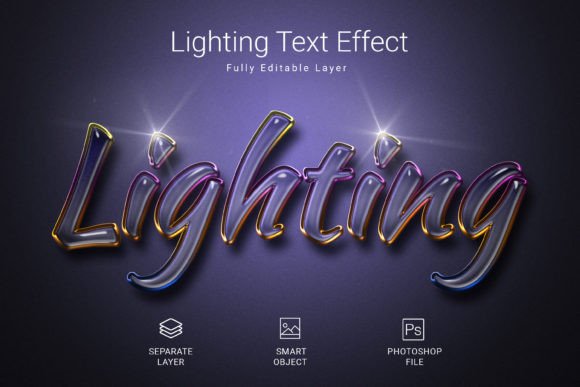
Illuminate Your Text with This Lighting PSD Style Effect
There's a particular kind of visual magic that happens when text doesn't just sit on a page but seems to emit its own light. It's the difference between a flat, forgettable design and something that genuinely catches the eye, creating an immediate sense of depth, drama, and premium quality. For designers, entrepreneurs, and creators constantly seeking ways to make their projects stand out, achieving this polished, luminous effect from scratch can be a time-consuming challenge. This is precisely where a well-crafted tool like the Lighting PSD Text Style Effect Mockup becomes an invaluable asset in your creative toolkit.
More Than Just a Font: A Complete Visual Treatment
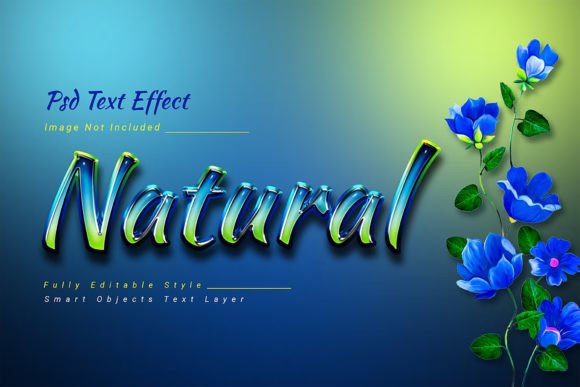
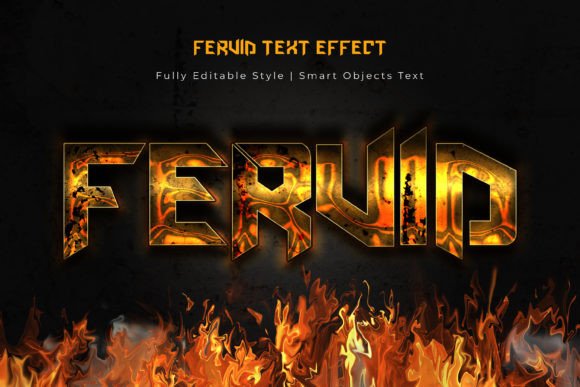
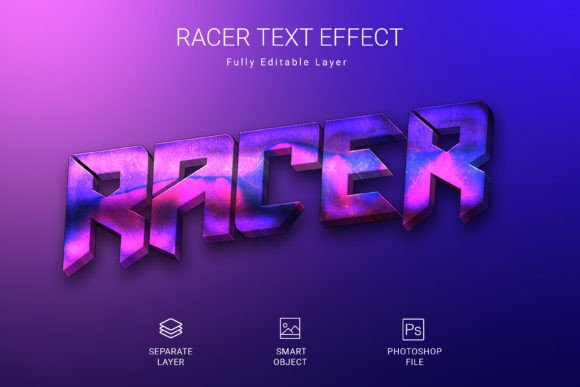
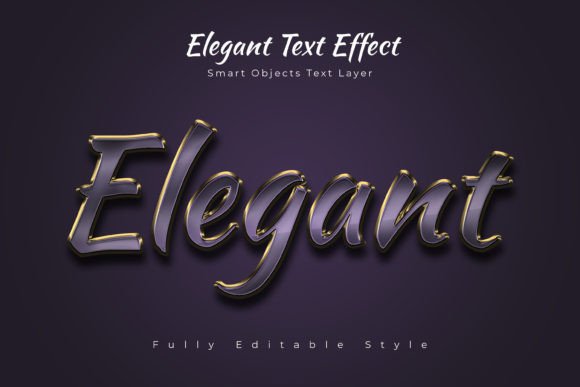
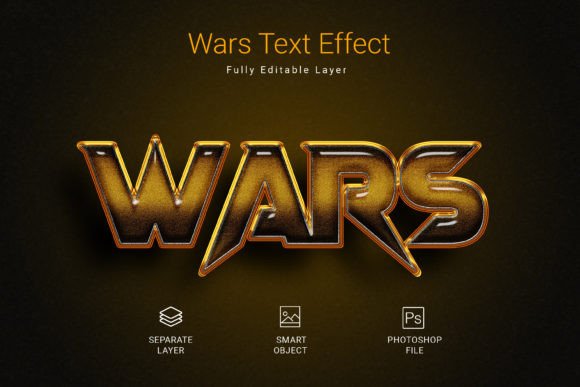
It's important to clarify that this isn't a traditional typeface you install and type with. Instead, think of it as a sophisticated design asset that applies a complete, high-quality visual treatment to any text you provide. The core of its appeal lies in its stunning realism and versatility. The effect simulates intricate lighting, subtle glows, and realistic textures that give your typography a tangible, almost three-dimensional presence. This level of detail is what separates amateur designs from professional presentation, instantly elevating the perceived value of whatever you're creating.
The practical application is brilliantly straightforward, designed for efficiency without sacrificing quality. You simply open the provided PSD file, locate the designated smart object layer, and double-click to edit. Here, you can replace the placeholder text with your own words, a company name, a logo, or any vector shape. Once you save the smart object, the entire lighting effect is automatically and seamlessly applied to your new content. This process removes the technical guesswork of layer styles, blend modes, and manual adjustments, delivering a premium font effect in minutes, not hours.
Practical Applications Across the Creative Spectrum
The true power of this lighting effect lies in its adaptability across a wide array of projects. Its high-resolution, 3000x2000 pixel output at 300 DPI ensures it looks crisp and professional in both digital and print contexts, making it a reliable component for diverse brand identity systems.
- Logo and Branding: Instantly create a memorable logotype or monogram for a brand that wants to convey innovation, luxury, or technological sophistication. It’s perfect for tech startups, entertainment companies, or high-end product lines.
- Social Media Graphics: Stop the scroll with Instagram posts, YouTube thumbnails, or Facebook ads where the text itself becomes the visual hook. The effect grabs attention in a crowded feed far more effectively than standard typography.
- Web and Digital Design: Use it for hero section headlines, call-to-action buttons, or section titles on a website to guide the visitor's eye and emphasize key messages. It adds a dynamic element to otherwise static pages.
- Packaging and Merchandise: Apply the effect to product labels, box designs, or merchandise like t-shirts and posters. It helps create a cohesive and striking visual system that stands out on shelves or in online stores.
- Editorial and Print Layouts: For magazine covers, event posters, or book titles, this style adds a layer of cinematic drama and urgency, making publications feel more contemporary and impactful.
Enhancing Your Design Workflow and Brand Consistency
One of the most significant advantages of using a structured mockup like this is the contribution to visual consistency. When you find an effect that aligns with your brand's personality—be it futuristic, elegant, or energetic—you can apply it uniformly across all touchpoints. This repetition builds brand recognition. Your audience will start to associate that specific luminous style with your identity, creating a stronger and more cohesive brand image without requiring you to redesign the effect for every single piece of content.
Furthermore, it dramatically streamlines the design process. For a small business owner or a solo content creator, time is a precious resource. Instead of spending hours watching tutorials on creating complex text effects in Photoshop, you achieve a superior result with a few clicks. This efficiency allows you to focus on other critical aspects of your project, like strategy, copywriting, or overall layout, while ensuring the typographic element is handled with expert-level quality.
Key Considerations for Optimal Use
To get the most out of this creative font effect, a few practical considerations are worth noting. First, always test the effect with your specific text. Some letterforms or word lengths may interact with the lighting and textures in unique ways. Previewing ensures everything remains legible and visually balanced. While the effect is stunning, readability is paramount; it's often best suited for headlines, logos, and short bursts of impactful text rather than long paragraphs of body copy.
Second, consider the font pairing strategy for your broader project. The lighting effect will make your chosen text a major visual element. Pair it with a clean, simple sans serif font or a serif font for supporting text to maintain hierarchy and ensure the overall design doesn't become overwhelming. The contrast between the dramatic headline and a understated body copy creates a pleasing and professional rhythm.
Finally, always verify the licensing terms of any design asset you download. This particular mockup comes with a free font, but it's a best practice to confirm that the license covers your intended use, whether for personal projects, client work, or commercial merchandise. Respecting licensing protects you legally and supports the creators who develop these valuable tools.
In the end, this isn't just about adding a glow to your words. It's about giving your message a physical presence, a weight that commands attention in a visually saturated world. Whether you're launching a new brand, promoting an event, or crafting a personal project, having access to such a refined and easy-to-use tool empowers you to communicate with greater impact and professionalism. It turns typography from a simple conveyer of information into a central, unforgettable part of your visual story.